Chirply Browser Agent · Launch edition

Your browser. Now it has an operator.

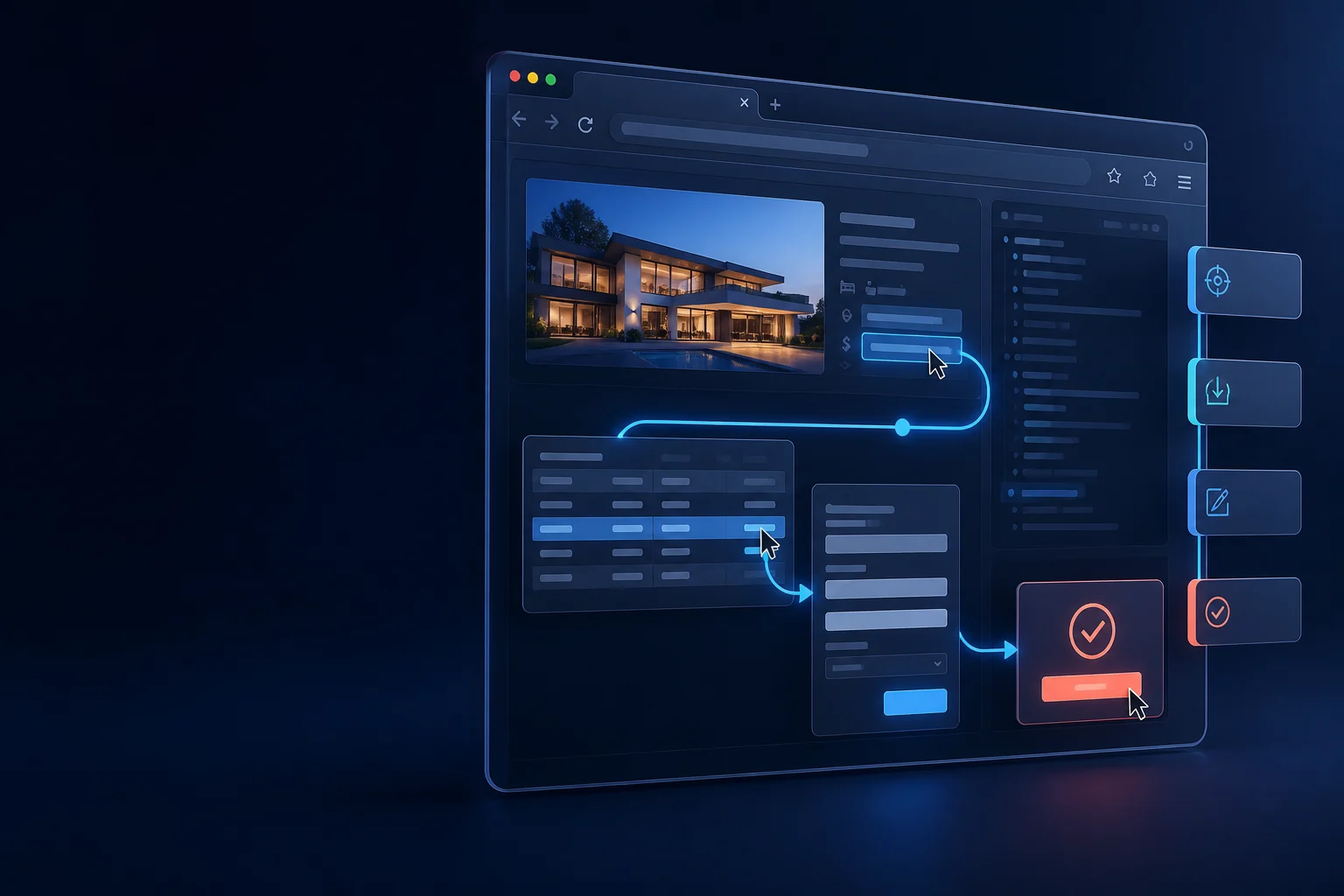
Tell it what needs to happen. Browser Agent inspects the page, builds a visible plan, and—after you approve—extracts data, opens approved destinations, fills forms, and operates your logged-in sites you are already authorized to use.

One-time launch price You approve every run On-device smart planning
Launch access$99once · per workspace
User-directed work on the active page
Research pagesDirectoriesInternal toolsFormsAdmin screensCompatible social pages
Control before execution

Approval is the boundary. Not another chore.

Browser Agent shows its work before it does the work. Approve a bounded plan once, then let the run complete—including a final submit or publish click when that exact action is visible in the plan.

  1. 01Inspect

    Read the active page and identify usable fields, controls, and data.

  2. 02Plan

    Turn your request into a bounded, step-by-step action plan.

  3. 03Approve

    See every outward action—including a final submit—before it runs.

  4. 04Execute

    Watch the approved work happen in the browser you control.

The agent cannot approve itself. Approval is added only when you click Approve & run. A plan crossing to an unrelated website pauses for a fresh inspection and approval.

One browser · more finished work

Read it. Work through it. Finish it.

Use the same operator for research, repetitive browser work, and compatible social work. No brittle chain of single-purpose extensions.

Research

Turn a page into usable data.

Ask for the names, prices, links, table rows, listings, or details you need. Browser Agent inspects the page you opened and returns structured results instead of making you copy and clean everything by hand.

  • Extract tables, cards, links, and visible page details
  • Keep the output structured for the next step
  • Works on pages available in your current browser session
Workflows

Do the clicking, filling, and page work.

Describe the outcome. Browser Agent can inspect controls, fill fields, choose options, click buttons, scroll, wait for the page, or open an approved HTTPS destination—then it requires a fresh inspection before continuing there.

  • Typed, allowlisted browser actions—not arbitrary remote scripts
  • A fresh approval when the task crosses an untrusted origin
  • Visible progress and an audit trail for every run
Social

Handle compatible social work without sharing a login.

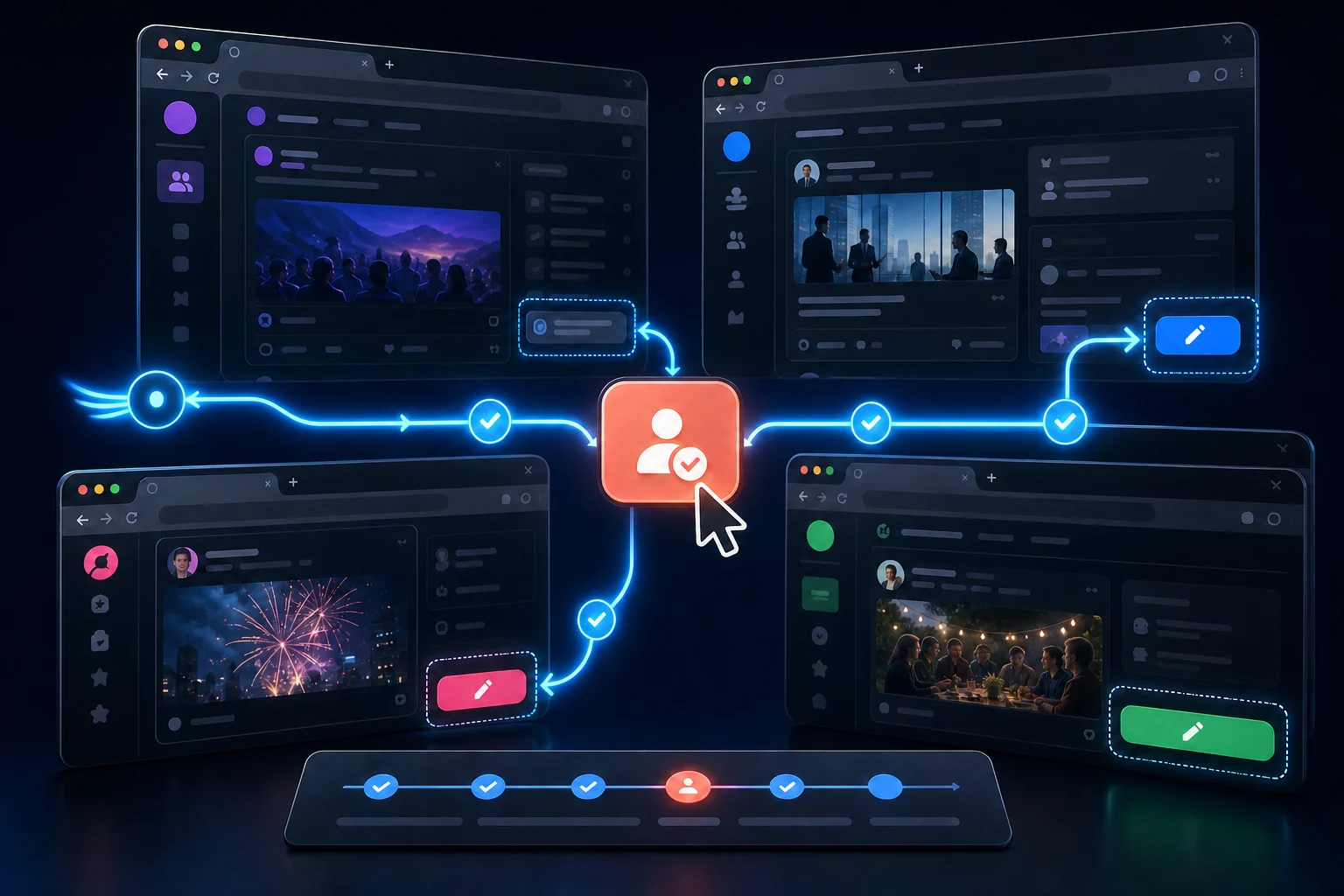
Prepare content, fill a composer, and—where a site's rules and the current release permit it—include a clearly labeled publish step in the plan. You stay signed in normally and approve the exact message and destination before anything goes out.

  • Current-page actions only after you deliberately start the task
  • Message, destination, and final publish are visible before approval
  • Compatibility varies by site; no security or access-control bypasses
Power with a clear perimeter

It works through your browser. It does not take it over.

Visible by design

See the proposed steps, watch the run, and review the audit trail.

Page data stays local

On compatible Chrome, the task, snapshot, form values, and results stay in the extension.

No security bypass

No password theft, cookie export, CAPTCHA bypass, or remotely supplied JavaScript.

Questions before you install

The straight answers.

Browser automation is useful because it can act. The guardrails should be just as easy to understand as the power.

Does my page content get sent to Chirply?

No. On Chrome 138+, the smart plan uses Chrome's built-in Gemini Nano model on your device. Your task, bounded page snapshot, form values, and extracted results stay inside the extension. Chirply receives only a redacted audit record: page origin, action types and risk, approval/status, result count, and a generic error code when needed.

Does it need my social passwords?

No. You sign in to each site normally in Chrome. Browser Agent operates the page you opened; it does not ask for, collect, or export passwords or session cookies.

Does approval mean I still have to click Post myself?

Not necessarily. You approve a visible plan for each run. If that plan clearly includes an outward action such as Submit or Publish, the approved run may take that final step. You can instead approve a plan that stops at a filled draft.

Can it extract data from any website?

It can inspect and extract from the active page you deliberately open when you are authorized to do so. It does not promise compatibility with every site or bypass access controls, CAPTCHAs, paywalls, or security. You remain responsible for the site's terms and applicable law.

Why use this alongside API integrations?

APIs are ideal for stable, high-volume integrations. Browser Agent is for user-directed work on the page in front of you: internal tools, one-off research, data entry, and compatible workflows without building a dedicated connector first.

What does the $99 include?

The launch price is a one-time $99 purchase per Chirply workspace for the Browser Agent Marketplace app. A Chirply workspace and the Chrome extension are required.

Browser Agent · $99 once

Give the browser work to the browser agent.

Install it in your Chirply workspace, pair Chrome, and approve your first run. Launch access is a one-time purchase per workspace.

Get Browser AgentRead the privacy policy