
 Chirply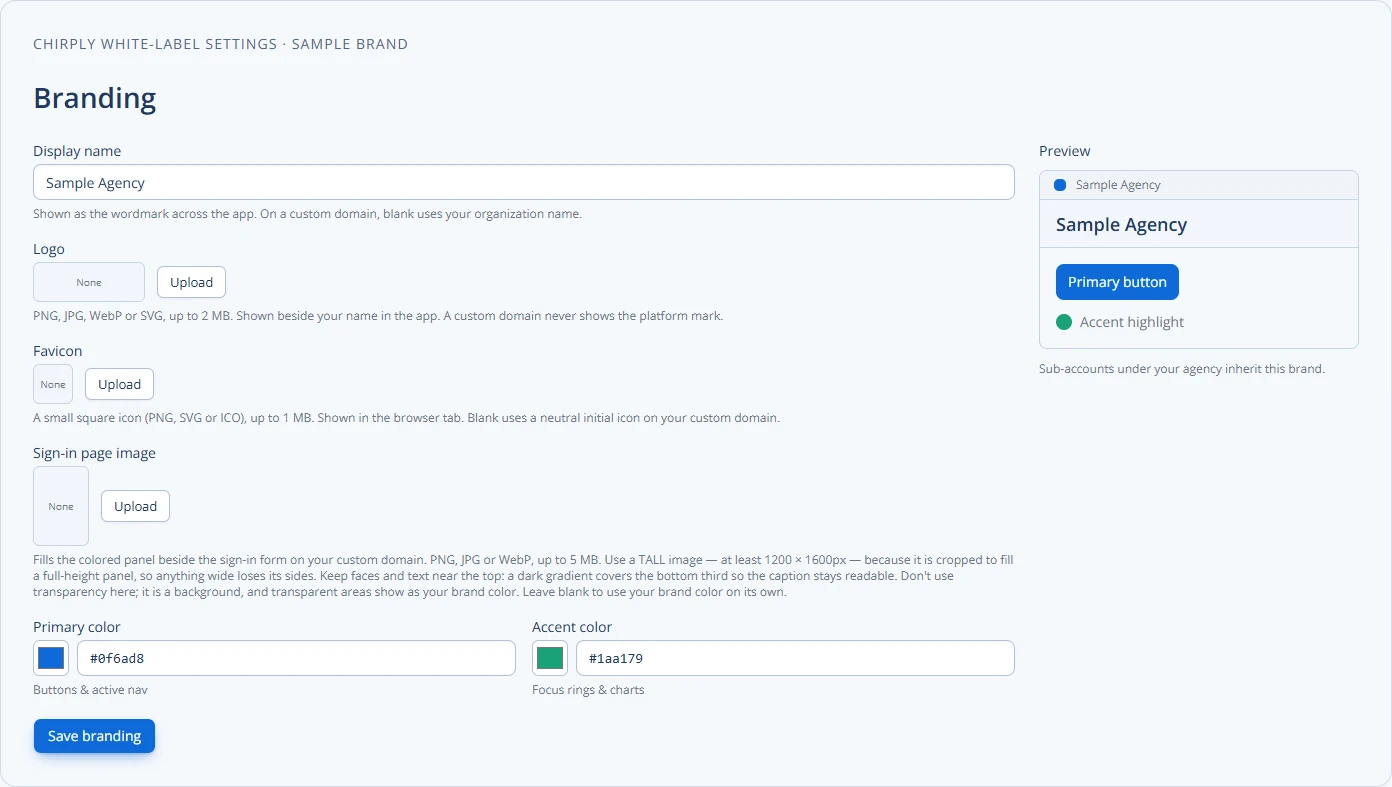
You can manage white label subscriptions efficiently by defining clear product plans, automating recurring invoices and payments, and keeping billing separate per client workspace. Start with a consistent plan catalog, connect a payment processor, and add automations for invoices, dunning, and reporting.
Keep client subscriptions and usage funding distinct in Chirply
There are several relationships to document: the agency's Chirply subscription, the plan sold to each client, and the providers or credit balance that fund usage. A client paying an agency invoice does not by itself explain who pays for that client's calls and messages.
- Review the current partner plans. Reseller Partner enables the client workspace model; White-Label Partner adds the agency branding and domain layer. Confirm current allowances before designing a client package.
- In the agency's Clients & reseller plans controls, define the plan name, price and access you intend to sell. Assign the correct plan to each separate client workspace and review the client-facing experience.
- Choose the funding arrangement. A client can connect its own providers, or the agency can operate pooled services with client credits. Record the rate, responsibility for usage, and what the client should do when more funding is needed.
- Reconcile one client before rolling the package out. Compare the assigned subscription, provider ownership and usage balance against the terms you gave that client. Keep recurring fees and metered activity as separate lines in your own margin calculation.
- Define who handles billing questions, failed payments, plan changes and access changes. A clear owner and a written escalation path prevent the client from being passed between the agency and a provider.
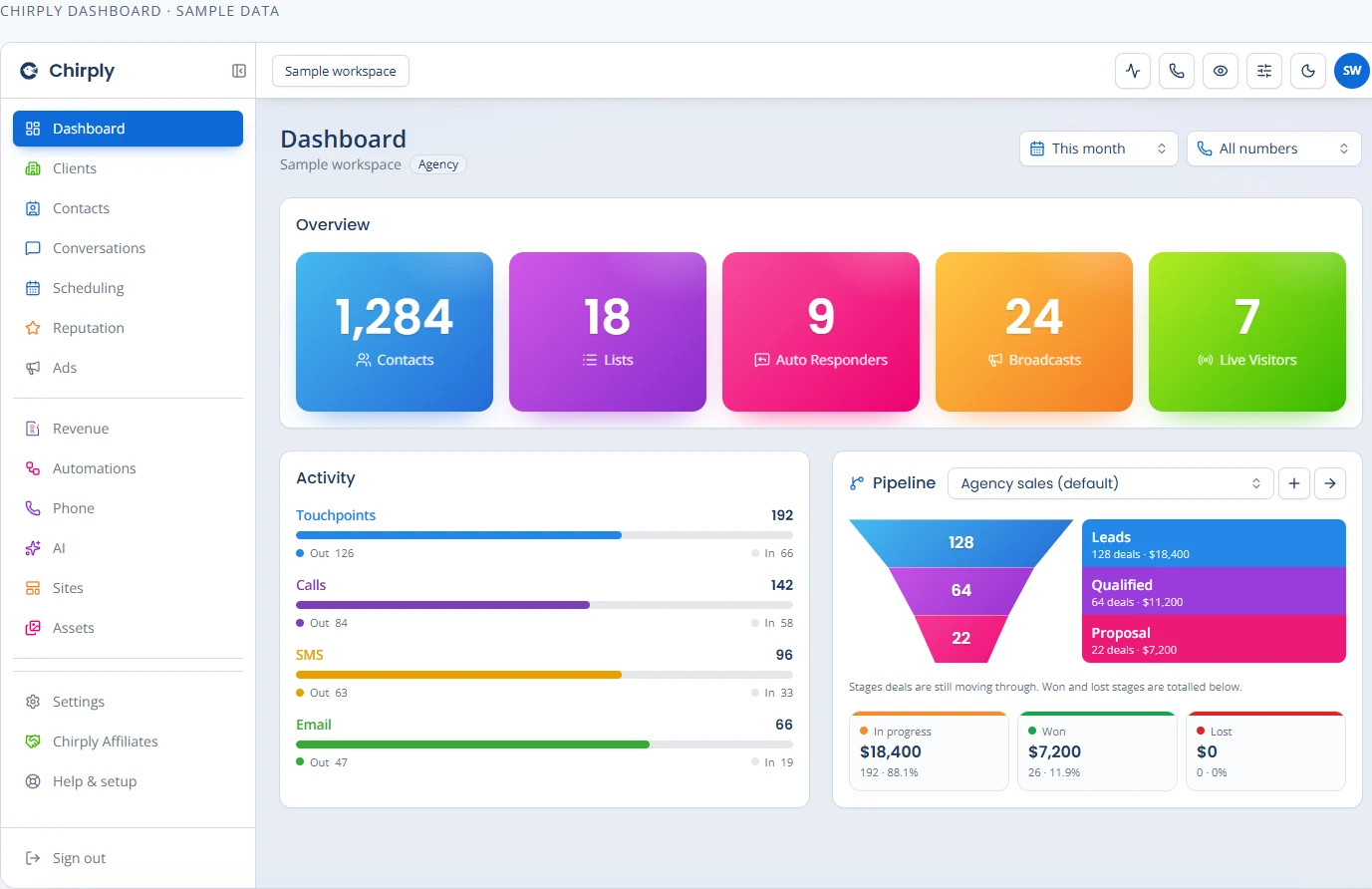
The branding screenshot shows how the agency identity is configured. The sample dashboard below shows operational counts and pipeline values; it is not an invoice, a billing ledger or proof of collected revenue.
Review the white-label operating model alongside the current pricing, then test your package with one client account before making it the default for the rest.
Core pieces you must set up first
Start by creating the foundation. Without these items, automation and scaling fail.
- Product catalog: One record per plan or add-on. Include price, billing cycle, and a short code.
- Client workspace mapping: Each white-label client gets a workspace tied to their billing account.
- Payment processor connection: Tokenize customer payment methods and support card or ACH flows.
- Invoice templates and branding: Use client logo, tax fields, and clear line items.
- Metering or usage tracking: If you bill by usage, record events per workspace.
These pieces let you automate invoicing and keep billing clean across multiple brands.
Decide who bills: agency vs. end-customer
You must pick a billing model. The choice changes billing flows and customer experience.
- Agency-billed (one invoice from you): You invoice the end user under your brand or a white-label brand. This centralizes cash flow and makes refunds and chargebacks easier to control.
- Client-billed (client invoices their customers): The agency passes billing through the client. This reduces your liability but needs coordination on payments and taxes.
Decision tips:
- If you control pricing and support, agency-billed is simpler.
- If clients want a full branded relationship and control of collections, client-billed can fit better.
Pricing tiers, billing cycles, and add-ons
Define clear plans and how they bill. Keep plan names short and predictable.
- Billing cycle: Monthly, quarterly, or annual. Keep a default and allow exceptions only when needed.
- Add-ons: Track as separate line items or as metered usage.
- Trials and discounts: Automate trial expiration and apply coupon rules cleanly.
Table: Example plan catalog
| Plan code | Name | Cycle | Price | Notes |
|---|---|---|---|---|
| CORE-M | Core Monthly | Monthly | $X | Base feature set |
| PRO-A | Pro Annual | Annual | $Y | Includes 2 months free |
| USG-1 | Extra Usage | Monthly | $per-unit | Metered events |
(Replace $X/$Y with your prices.)
Automation and workflows to build
Automation reduces manual steps and prevents billing mistakes. Build the following flows:
- Recurring invoice generation: Create invoices when a billing period starts.
- Payment capture: Attempt card/ACH charge automatically and record status.
- Dunning: Retry failed payments, notify customers, and suspend services after set failures.
- Prorations and upgrades: Adjust invoices when customers change plans mid-cycle.
- Refunds and credits: Apply credits to a customer’s next invoice.
Automations should record events and expose them to your API or logs. That makes auditing and troubleshooting easier.
Practical example: A three-tier client setup
- Define plans: Bronze (monthly), Silver (monthly), Gold (annual).
- Create client workspace "Acme Marketing" and map their customers.
- Connect Stripe or your payment processor and save payment tokens per customer.
- Set automation: Generate invoices on the 1st of each month, try charge immediately, retry after 3 and 7 days, then notify the client workspace owner.
- Use an invoice template with Acme’s logo and payment link.
This setup produces predictable cash flow and clear client statements.
Checklist before going live
- Product catalog created with codes
- Client workspaces created and mapped
- Payment processor integrated and tested
- Invoice templates for each brand
- Automations for recurring invoices, retries, and notifications
- Proration rules documented
- Reporting dashboard for outstanding invoices and churn
Use this checklist as your launch gate. Confirm each box before billing real customers.
Decision framework: When to build vs. buy
Ask these questions:
- Volume: Will you bill many customers monthly? If yes, automate.
- Complexity: Do you need metering, proration, or multiple tax rates? If yes, prefer mature billing tools.
- Brand control: Do you need white-label invoices and separate workspaces? If yes, pick a platform that supports per-client branding.
- Integration: Do you need API access for webhooks and events? If yes, confirm the product has a public API.
If you answer "yes" to two or more, use a specialized billing system or a CRM that includes invoicing and automation.
Data, tax, and compliance notes
Billing often touches taxes and local rules. Do not treat this guide as legal or tax advice. Verify tax rates, invoicing rules, and data residency with your payment provider or counsel. Keep records of invoices, payments, refunds, and communication for at least the period your local rules require.
Reporting and reconciliation
Build a simple set of reports:
- Monthly recurring revenue by workspace and plan
- Open invoices and days outstanding
- Failed payments and recovery rate
- Churn by billing cohort
Automate export of transactions to your accounting system. Reconcile payment processor settlements to invoices weekly.
Tools and integrations to consider
Look for systems that handle these items:
- Per-client workspaces and branding
- Recurring invoices and dunning automation
- Metered billing support for usage fees
- Public APIs and webhooks for events
- Built-in invoicing templates and PDF delivery
If you already run a white-label CRM, check whether it includes invoicing and automation. Platforms that combine CRM, invoicing, automations, and separate client workspaces can simplify operations. For background on what a white-label CRM gives you, see What is a white-label CRM. When you’re ready to compare plans, check your options on the /pricing page. If you are moving clients from another platform, read about migrating clients.
Note: Verify current billing and tax rules with your payment processor or counsel before finalizing workflows.
Final step you can take today
Create a one-page billing playbook. List your plans, billing cycles, payment processor, dunning steps, and who owns each task. Use the checklist above to mark what’s ready. If you have systems that support client workspaces, map one workspace and run a test invoice to confirm the full flow.
Platforms like Chirply offer combined workspaces, invoicing, and automation that can speed testing and rollout. Start by documenting your playbook and running a test invoice for one client workspace.
Common questions
Answers at a glance
How do I start managing white-label subscriptions?
Start by creating a product catalog, setting up a client workspace for each white-label client, integrating a payment processor, and building automations for recurring invoices and payment retries.
Should the agency or the client bill end customers?
Choose agency-billed for centralized cash flow and simpler refunds. Choose client-billed if clients need full control and ownership of the customer relationship. Pick the model that matches control, risk, and branding needs.
How do I handle failed payments and dunning?
Automate retries (for example, immediate retry, then after 3 days, then after 7 days), notify the customer at each step, and suspend service after a defined number of failures. Log each attempt and outcome for reconciliation.
What should be in my billing playbook?
Include plan definitions, billing cycles, payment processor details, invoice templates, proration rules, dunning flow, refund policy, and who owns each task. Use this playbook to run tests before going live.
Put this into practice
Use a setup guide and its acceptance checks to turn the idea into a working process.
- CRM Evaluation Checklist & Weighted Scorecard Template
- White-Label CRM Launch Checklist for Agencies
- Client Onboarding Checklist: Owners, Access & Handoff
Put the system to work
Try the workflow in your own account.
Review the feature, choose one sample contact and test the handoff before you expand it to the rest of your team.
Explore this Chirply feature See Chirply plans