
 Chirply
When an SMS fails, find the message record and its provider error before retrying. A wrong recipient number, an opt-out, an unregistered sender and carrier filtering need different responses. Repeatedly sending the same text without identifying the cause can create duplicate messages and obscure the original problem.
This guide follows one failed message from Chirply's communication record to the provider's diagnosis. For a preventive campaign review, use the SMS deliverability checklist.
Step 1: Find the exact message in Chirply
Open Communications in the workspace that sent the text. Narrow the activity to the relevant message type, direction and status, then locate the recipient and approximate send time. Confirm the sending number too: an agency may have several clients and several phone numbers in the same operational workflow.
On desktop, hover or keyboard-focus the message's status to inspect its detail. Chirply displays the stored provider code and explanation when available, alongside the provider's own text. If no reason was recorded, the detail says so. An absent error description does not mean the send succeeded.
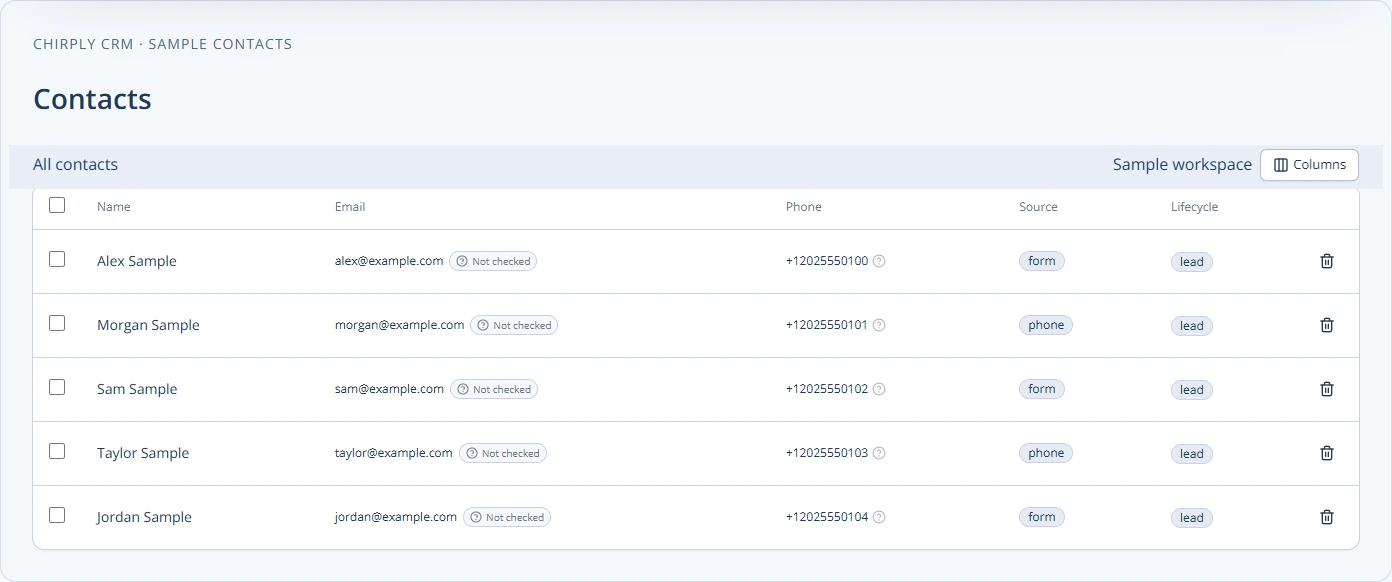
Check the corresponding conversation and contact before changing any data. Verify that the recipient number belongs to the person you intended to reach and has the appropriate country code. The contact screenshot below illustrates that record review; use the message's actual status for delivery diagnosis.
If you cannot locate the message, widen the filters and check the correct workspace. For an automated send, confirm that the workflow reached its sending step. A saved draft, a paused workflow or a future scheduled action should not be interpreted as an already attempted SMS.
Step 2: Compare the provider's record
In the connected Twilio account, open Messaging Logs and locate the same message by time, sender, recipient or Message SID. Match all the details rather than assuming two nearby messages are the same attempt. Twilio's Messaging Logs guide describes the status and troubleshooting information available there.
If no provider record exists, investigate whether the request reached Twilio. Check the application's reported error, the provider connection and any automation result. Do not invent a carrier explanation for a message that was never accepted by the provider.
If Twilio has a final status but Chirply still shows an older one, keep both records and investigate the status update path. A stale display and an actual delivery failure are separate issues. See Twilio's common SMS debugging guide for its recommended starting points.
Step 3: Follow the error code
These examples are specific to Twilio. Use the provider's current reference for the exact code you received; another provider may use a different numbering system.
| Code | Meaning | First check |
|---|---|---|
| 30034 | US-bound traffic from a +1 10DLC number is not associated with an approved campaign. | Check campaign approval and the number's membership in the linked Messaging Service sender pool. |
| 30007 | Twilio or a carrier filtered the message. | Review consent, message purpose, sender setup and applicable messaging policies before escalation. |
| 21610 | The recipient is opted out from the sender or Messaging Service. | Respect the opt-out and follow the provider's recipient-controlled resubscription process when appropriate. |
| 21614 | The destination is not accepted as a valid mobile number. | Check formatting, country code and whether the destination can receive SMS. |
| 21408 | The destination is disabled in Messaging Geo Permissions or is unsupported for the channel. | Verify the intended country and supported route before changing permissions. |
For 30034, submitting a brand or buying a number is not sufficient evidence of sender readiness. Confirm the approved campaign and the specific number's association. The agency A2P 10DLC guide explains the surrounding registration process.
For 30007, do not assume removing a link or changing capitalization resolves the issue. If you believe the messages comply with the relevant policies, Twilio asks for at least three undelivered Message SID examples with that code when contacting its support team. Use existing failure examples; do not create more unwanted sends just to build a sample.
For 21408, enabling a setting cannot make an unsupported destination supported. Review the current destination requirements and only enable a route the business actually needs and is permitted to use. Do not turn on every country as a general troubleshooting step.
Step 4: Decide whether a retry is appropriate
Correct the identified cause first. Registration, consent, sender capability and destination problems do not disappear because the same message is submitted again. For a temporary provider issue, follow the provider's current guidance and check whether the original message later completed before creating another attempt.
If a recipient opted out, do not switch numbers to reach them anyway. If someone independently wants to resubscribe, use the provider's supported process and preserve the relevant permission record. Do not ask staff to impersonate a recipient's opt-in response.
After a configuration correction, use your own consented test recipient where possible. Capture the new message's status and code. A successful test supports the specific sender, destination and message path you tested; it does not guarantee delivery across every carrier and campaign.
Step 5: Separate delivery from reading and response
Queued and sent states can precede a final delivery result. Delivered indicates a delivery receipt, not a read receipt or a reply. Failed and undelivered indicate different parts of the sending process; inspect the accompanying error rather than treating them as interchangeable.
If the provider shows delivered but someone reports not receiving the text, verify the destination and message time first. Record the discrepancy and use the provider's troubleshooting path. Do not mark an appointment confirmed merely because its reminder shows delivered. The appointment reminder guide separates those outcomes.
Prepare a useful support handoff
Keep a short investigation record so the next person can continue without asking you to repeat every step:
- Client workspace and provider account involved.
- Sending number, destination, timestamp and time zone.
- Message SID or other provider identifier, status and exact error code.
- Whether one recipient, one sender or a wider group is affected.
- The relevant message purpose, sender registration state and consent context.
- What changed, what you tested and the result of the controlled test.
Share sensitive message content and recipient details only through the appropriate support channel, with the minimum information needed. Never include API keys or authentication tokens in the handoff. Keep provider identifiers available so support can investigate the actual attempt.
Use Chirply's Twilio setup guide for connection checks, review communication features for the broader workflow, and see current plans when evaluating the platform for your agency.
Common questions
Answers at a glance
Where can I inspect an SMS failure in Chirply?
Open Communications in the sending workspace and find the message by recipient, time, type and status. On desktop, hover or keyboard-focus its status to inspect the stored provider detail when available.
What does Twilio error 30034 mean?
The US-bound message was sent from a +1 10DLC number that is not associated with an approved A2P campaign. Check campaign approval and the specific number’s association with the linked Messaging Service.
What does Twilio error 30007 mean?
Twilio or a carrier filtered the message. Review the actual sender, consent, message purpose and applicable policies. If escalation is needed, retain existing failed Message SID examples and the exact error code.
Should I retry an SMS after an opt-out error?
Do not resend to bypass an opt-out or switch numbers to reach the person anyway. If the recipient independently wants to resubscribe, use the provider’s supported recipient-controlled process and maintain the permission record.
Put this into practice
Use a setup guide and its acceptance checks to turn the idea into a working process.
- Customer Service Sales Scripts: Setup & Practice Guide
- Call Tracking & Dynamic Number Insertion Setup Guide
- CRM Email Sender Setup: Domain, Identity & Reply Checks
Put the system to work
Run the whole client journey in one place.
CRM, phone, messaging, automation, funnels, and AI, connected on one contact record and ready for your brand.
See Chirply plans